
You can now play everything with a controller
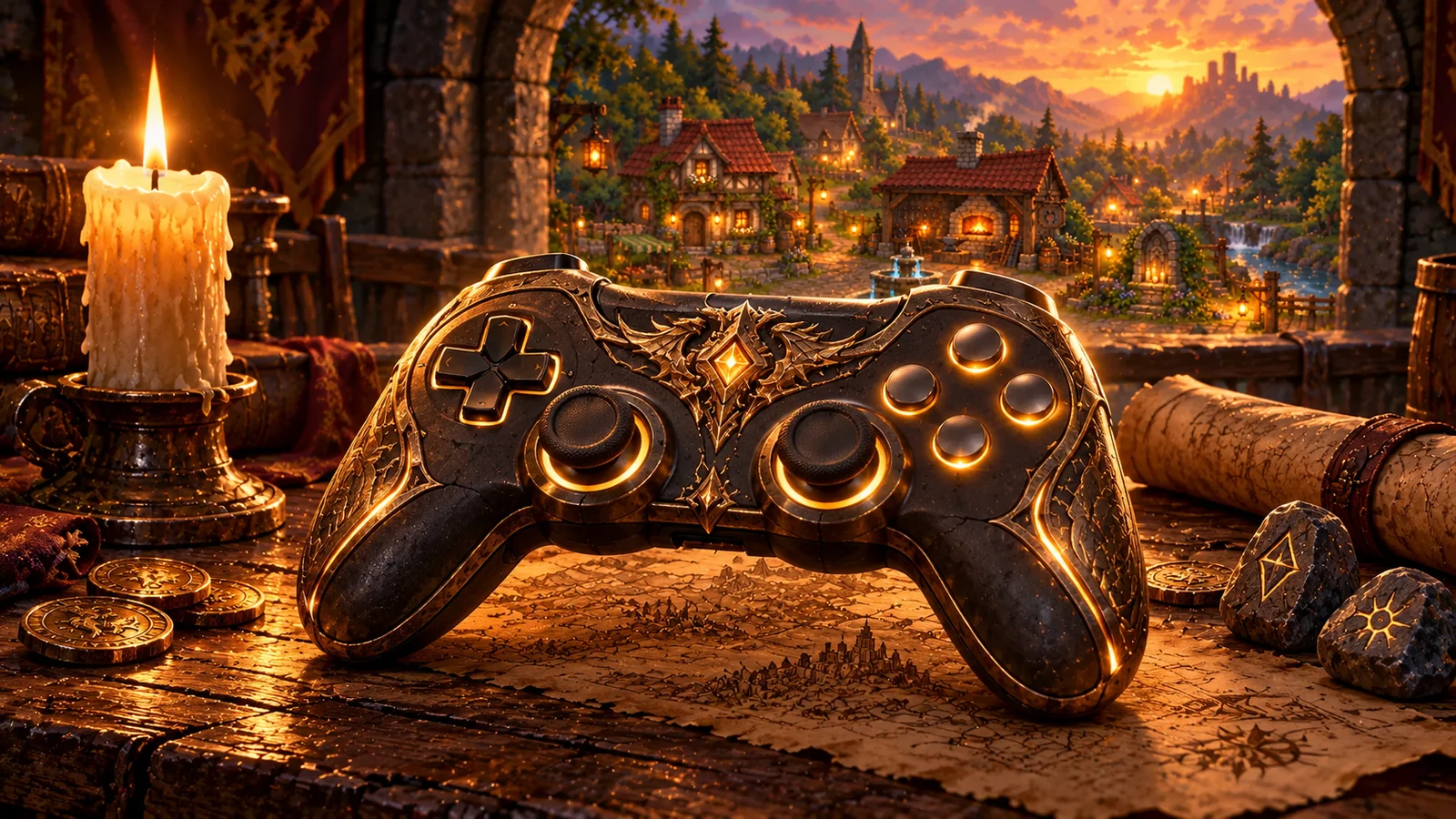
Grab your controller and get comfortable on the couch: Draemony now works entirely with a controller. Not just walking and fighting. You can create your character, manage your gear, build your hero and pick your next map without touching the mouse or keyboard.
From the menu to the endgame
Every screen responds to the controller: main menu, Settings, character creation, conversations with NPCs, Journal, Bestiary and the pause menu. A golden highlight shows where you are, the shoulder buttons switch tabs and one press takes you back to the previous screen.
Inventory, Stash and shops
In your bag, a cursor moves from cell to cell. One button picks up an item and another drops it wherever you want, one equips it right away and another drops it on the ground. Hold the stick and the item you are wearing shows up next to it for comparison.
The same goes for the Stash, the shops, the Blacksmith, the Artificer's Bench and the Abyssal Forge: storing, selling, buying and salvaging are one button away.
Trees, Codex and world map
The passive tree and the Skill Tree move from node to node in the direction you point, with zoom on the triggers. Specializations, the Codex of Worlds, the world map and your hero's Appearance work on the controller too, including placing a Map and picking the colors of your outfit.
If you prefer, there is a free cursor in Settings: the right stick moves an arrow across the screen, like a mouse.
On-screen keyboard and your controller's buttons
Need to type your character's name, rename a Stash tab or send a message to your party? A keyboard appears on screen. In Big Picture mode and on the Steam Deck, it is Steam's own keyboard.
And the hints show the buttons of the controller you are using, whether it is an Xbox, PlayStation or Switch controller. If you switch controllers in the middle of a session, the names switch too. Every button can still be remapped in Settings > Controls.
Have fun, and see you next time!